Reverse mouse scrolling on Mac: And keep natural scrolling on your trackpad
- 14-day free trial
- $14.99 once, then $19
- macOS 14+
- No account
What is Scroll Reverser?
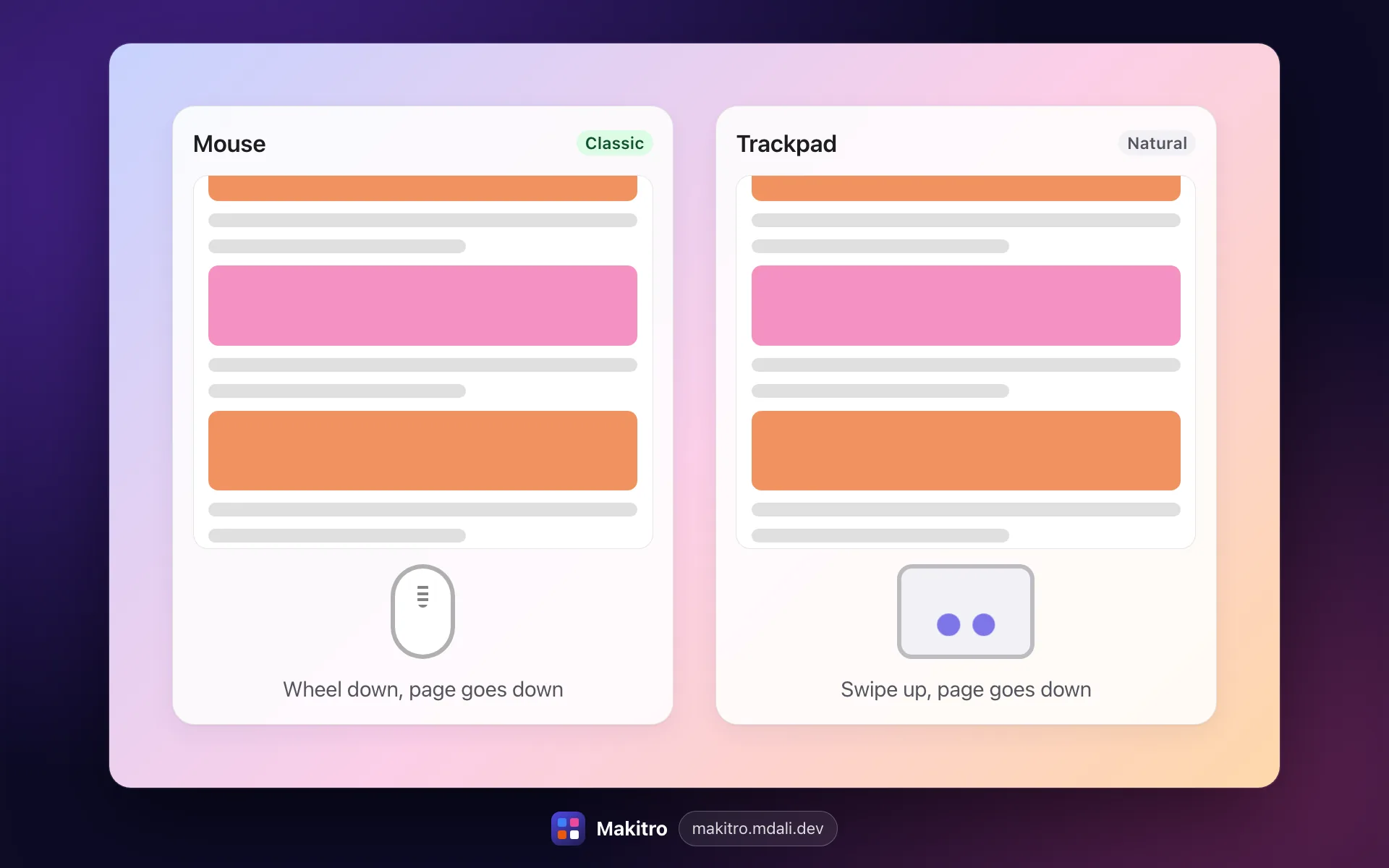
Scroll Reverser gives your mouse wheel the classic scroll direction while your trackpad keeps natural scrolling. macOS has one setting for both, so changing it for the mouse also changes it for the trackpad. Makitro handles each device on its own, and turns on by itself when you plug in a mouse. It runs on macOS 14 Sonoma and later.
Using Scroll Reverser
- Install Makitro and connect your mouse. Scroll Reverser turns on by itself while an external wheel mouse is connected.
- Click Grant Access… and allow Makitro in System Settings › Privacy & Security › Accessibility.
- Scroll. The mouse wheel moves the classic way, and the trackpad stays natural.
- To stop, flip its switch in the menu bar or on the Scroll Reverser page.
What makes Scroll Reverser different
Each device on its own
Only the mouse wheel is reversed. Trackpad scrolling keeps the direction you set in System Settings.
Follows your hardware
It's on while a mouse is connected and off when it isn't, until you flip its switch yourself.
Scroll events only
Makitro's event tap is limited to scroll-wheel events. It never sees your keystrokes, and scroll events are changed in memory and never stored.
Nothing to explain at the wrong time
A Mac with no mouse never sees the Accessibility request. It appears only when you click Grant Access….
Questions about Scroll Reverser
Want the whole story? Read the guide: How to reverse mouse scrolling on a Mac without changing the trackpad.
Can I have a different scroll direction for my mouse and trackpad?
Not with macOS alone. The Natural scrolling switch appears in both the Mouse and Trackpad settings, but it's one setting: changing one changes the other. Makitro reverses the mouse wheel only, so each device can go its own way.
Why does it need Accessibility access?
Changing scroll events for every app needs an event tap, and macOS allows that only for apps you've given Accessibility access. Makitro's tap handles scroll-wheel events only.
Why isn't it on the App Store?
The App Store sandbox doesn't allow the event tap that reverses scrolling for the mouse only. That's why Makitro is distributed directly, signed with a Developer ID and notarized by Apple.
Does it stop working after a macOS update?
macOS sometimes keeps a stale Accessibility entry after an update. If scrolling isn't reversed, turn Makitro off and on again in System Settings › Privacy & Security › Accessibility.
Get Scroll Reverser and the rest of Makitro
One download for all eight tools. Turn on only what you use: a tool that's off runs nothing.