Control your external monitor's brightness: From the menu bar, even through HDMI adapters
- 14-day free trial
- $14.99 once, then $19
- macOS 14+
- No account
What is Monitor Controls?
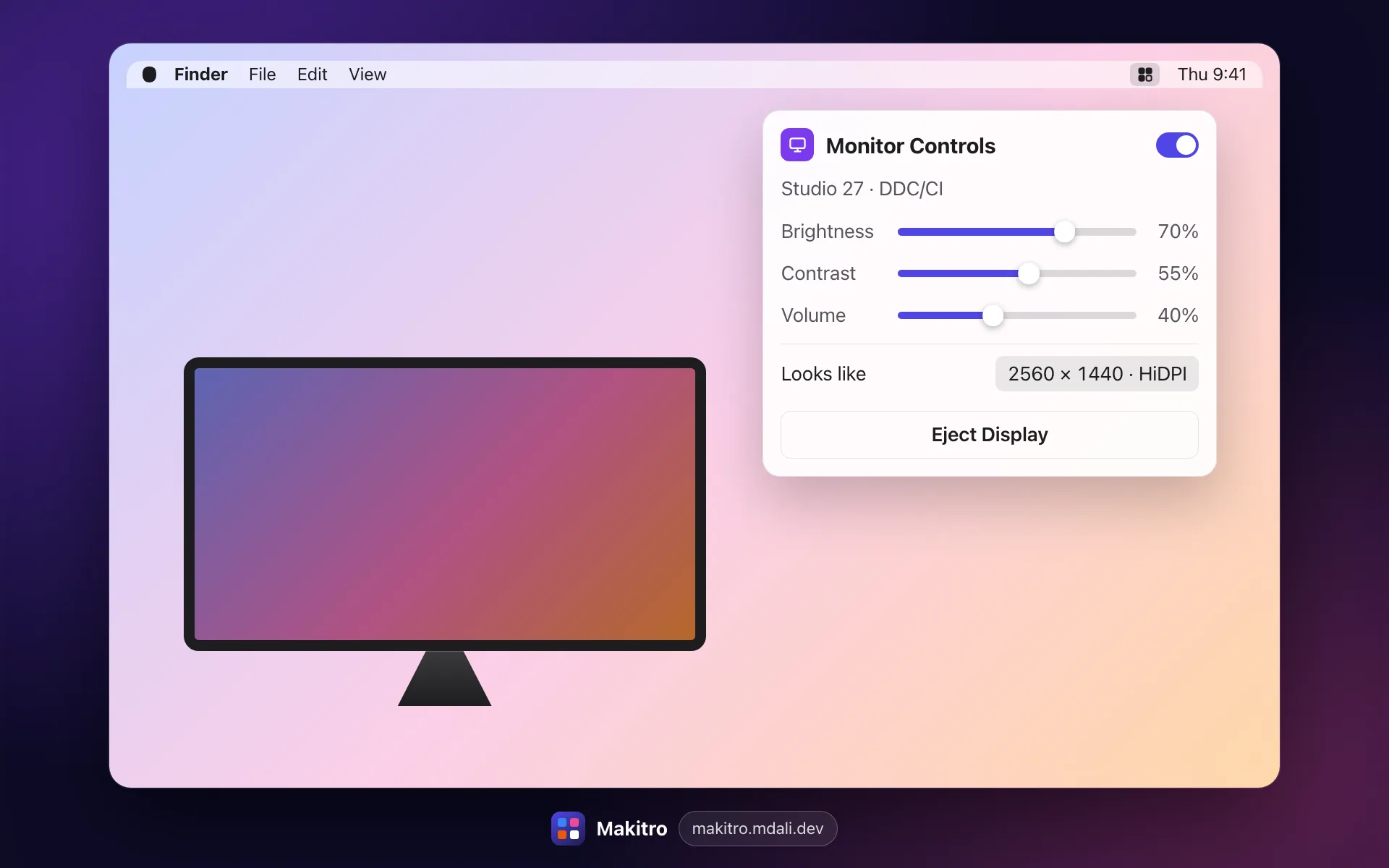
Monitor Controls puts your external monitor's brightness and contrast in the menu bar, so you stop reaching for the buttons on the back. Monitors that support DDC/CI change their own settings; for those behind adapters or docks that block it, Makitro dims the picture in software instead. It also adds sharp HiDPI sizes and soft eject. It runs on macOS 14 Sonoma and later.
Using Monitor Controls
- Connect your monitor. Monitor Controls turns on by itself while an external display is connected.
- Open the Makitro menu-bar window and drag the brightness slider.
- For contrast, volume and HiDPI sizes, open the Monitor Controls page in Makitro.
- Before you unplug, choose Eject Display to move the monitor's windows to your built-in screen.
What makes Monitor Controls different
Works through adapters that block DDC
Many HDMI adapters and docks block the monitor's own controls. Makitro falls back to software brightness and contrast there, remembered per monitor.
Sharp HiDPI sizes
Many monitors have a HiDPI mode that System Settings hides. Makitro turns it on, or uses a virtual screen while it runs for other "looks like" sizes.
No admin password, no permission
Monitor Controls needs no macOS permission and writes nothing to /Library.
Soft eject
Eject Display moves a monitor's windows to your built-in display by mirroring it there, so nothing ends up stranded off screen.
Questions about Monitor Controls
Want the whole story? Read the guide: How to change an external monitor's brightness from your Mac.
Using MonitorControl? See how Makitro compares with MonitorControl.
Why can't I change my external monitor's brightness on a Mac?
macOS only controls the brightness of Apple displays and the built-in screen. Other monitors need an app that talks to them over DDC/CI, or dims the picture in software. Makitro does both.
What is DDC/CI?
A standard that lets a computer change a monitor's own settings, like brightness, contrast and volume, over the video cable. Most monitors support it, but some adapters, docks and HDMI connections don't pass it through.
Does it work over HDMI?
Often, yes. If the connection passes DDC/CI, Makitro changes the monitor's own brightness. If it doesn't, Makitro uses software brightness and contrast instead.
Does it change monitor volume?
Yes, for monitors that accept volume over DDC/CI. The control appears only when the monitor supports it.
Get Monitor Controls and the rest of Makitro
One download for all eight tools. Turn on only what you use: a tool that's off runs nothing.