A color picker for Mac: That copies the HEX code of any pixel on screen
- 14-day free trial
- $14.99 once, then $19
- macOS 14+
- No account
What is Color Picker?
Color Picker is an eyedropper for your whole screen. Press ⌃⌘C, move the magnifier over the color you want, and click: the HEX, RGB or HSL value is on your clipboard, ready to paste into your code or design tool. It works on every display and needs no Screen Recording permission. It runs on macOS 14 Sonoma and later.
Using Color Picker
- Press ⌃⌘C, or choose Color Picker in the menu bar.
- Move the magnifier over any pixel, in any app, on any screen.
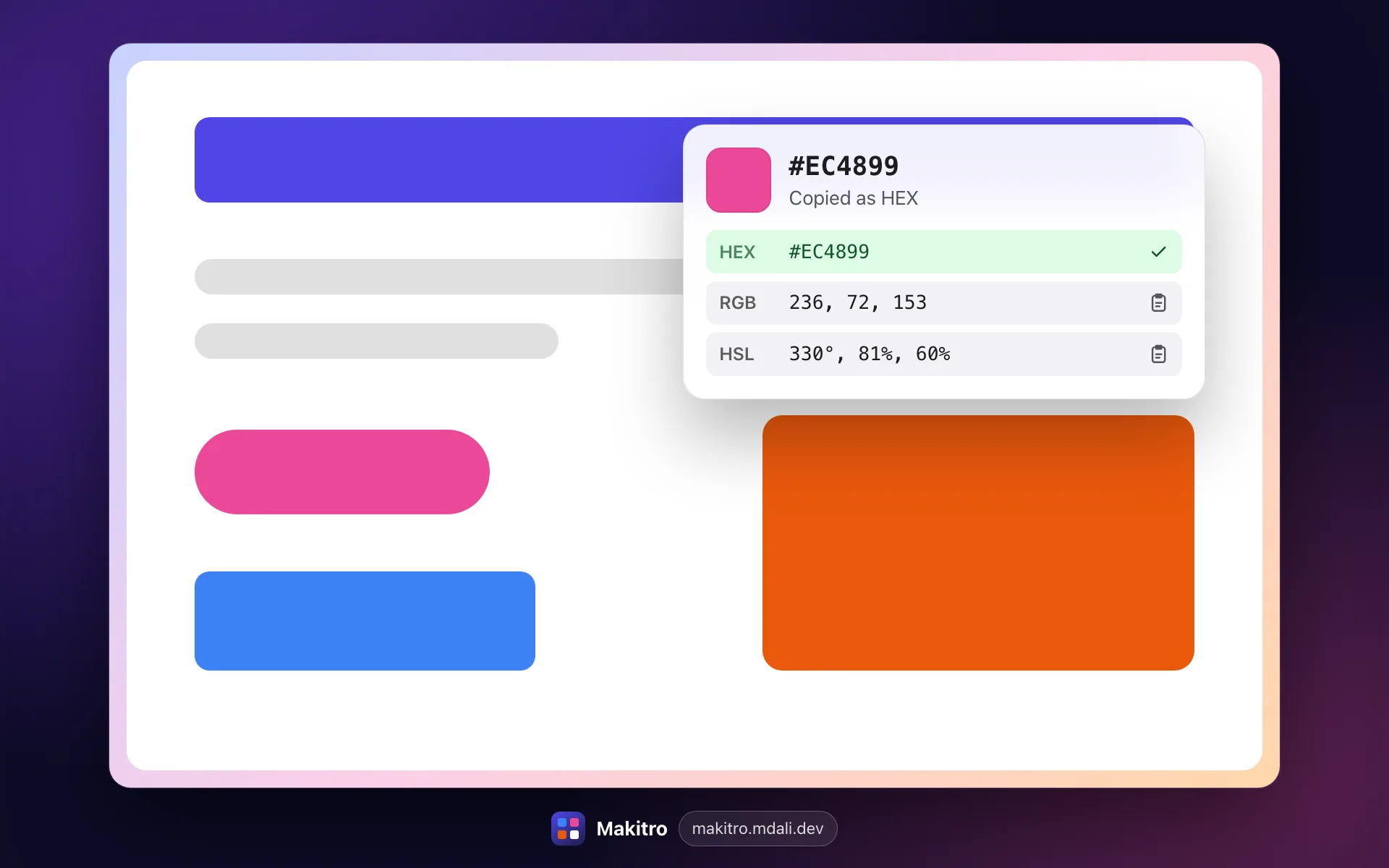
- Click. The color is copied in your format, and a small card shows its HEX, RGB and HSL values: click one to copy that instead.
- Paste it wherever you need it.
What makes Color Picker different
No Screen Recording permission
Makitro uses the macOS color sampler, the same magnifier the system color panel uses, so it never needs to record your screen.
One keystroke, no window
There's no app to open first. The shortcut goes straight to the magnifier, and the color is copied the moment you click.
The format you use
Choose HEX, RGB or HSL once in settings and every pick is copied that way.
Nothing kept
Only the last color is held, in memory. A copied color is an ordinary copy, so it appears in Clipboard History if that's on.
Questions about Color Picker
Want the whole story? Read the guide: How to get the HEX color of anything on your Mac screen.
How do I get the HEX code of a color on my Mac screen?
With Makitro running, press ⌃⌘C, hover over the color and click: the HEX code is copied. Built into macOS, the Digital Color Meter app does it in more steps: set View › Display Values to hexadecimal, lock the color with ⌘L, then copy it with ⇧⌘C.
Does it work on external monitors?
Yes. The magnifier moves across every connected display.
Why doesn't it ask for Screen Recording?
It uses the macOS color sampler, which lets you pick one pixel at a time without giving the app access to the screen. Only Makitro's Screenshot tool needs Screen Recording.
Can I change the shortcut?
Yes. ⌃⌘C is the default; set any shortcut you like on the Color Picker page in Makitro.
Get Color Picker and the rest of Makitro
One download for all eight tools. Turn on only what you use: a tool that's off runs nothing.