Lock your Mac keyboard: And wipe it clean without typing a thing
- 14-day free trial
- $14.99 once, then $19
- macOS 14+
- No account
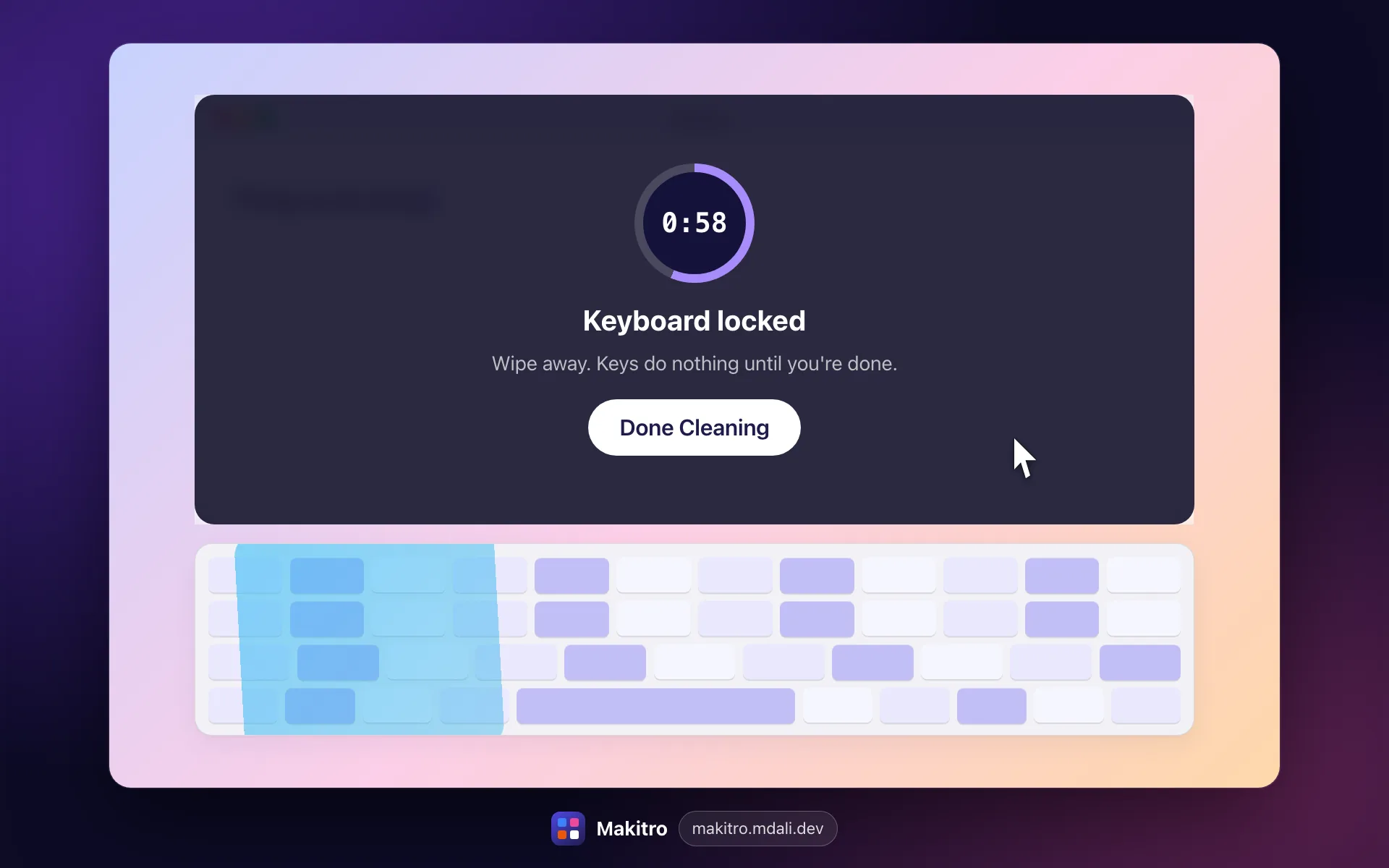
What is Keyboard Cleaning?
Keyboard Cleaning turns every key off so you can wipe your keyboard without typing into a document or changing your volume. Choose Clean Keyboard in the menu bar and every key stops working, media and brightness keys too. Your mouse or trackpad keeps working, and a timer always ends the session. It runs on macOS 14 Sonoma and later.
Using Keyboard Cleaning
- Click the Makitro icon in the menu bar and choose Clean Keyboard.
- The first time, click Grant Access… and allow Makitro in System Settings › Privacy & Security › Accessibility.
- Wipe the keyboard. Every key, including the media and brightness keys, is ignored.
- Click Done Cleaning when you're finished, or let the timer end it: 1, 2, 3 or 5 minutes, 2 by default.
What makes Keyboard Cleaning different
Every key, not just the letters
Modifier keys, media keys and brightness keys are blocked too, so a wipe can't change your volume or dim the screen.
You can't lock yourself out
It needs a mouse or trackpad to start, so you can always click Done Cleaning, and the timer always ends it. Sleep ends it too.
Safe around passwords
It won't start while a password field is active.
Nothing recorded
Keys are dropped, not read. Makitro never records what you type.
Questions about Keyboard Cleaning
Want the whole story? Read the guide: How to lock your MacBook keyboard while you clean it.
How do I lock my MacBook keyboard to clean it?
macOS has no switch for it. The usual workarounds are shutting the Mac down or cleaning around the keys. With Makitro, choose Clean Keyboard in the menu bar: every key is ignored until you click Done Cleaning or the timer ends.
Why won't Keyboard Cleaning start?
It needs a connected mouse or trackpad, so you can click Done Cleaning, and it won't start while a password field is active. It also needs Accessibility access.
Does it work with an external keyboard?
Yes. Keys from every keyboard are ignored during a session, built-in and external.
Can I end a session early?
Yes. Click Done Cleaning at any time. If you forget, the timer ends the session for you, after 2 minutes by default.
Get Keyboard Cleaning and the rest of Makitro
One download for all eight tools. Turn on only what you use: a tool that's off runs nothing.