How to get the HEX color of anything on your Mac screen
Need the exact color from a website, a screenshot or a design? macOS has two built-in ways, and one shortcut does it in a click.
A brand color on a website, a shade in a screenshot, a button in someone else's design: sooner or later you need the exact code. macOS has two built-in ways to read it, and a shortcut makes it one click.
Digital Color Meter
Every Mac has Digital Color Meter in Applications › Utilities. It shows the color under the pointer.
- Open Digital Color Meter.
- Choose View › Display Values › as Hexadecimal, so it shows codes like
EC4899. - Move the pointer over the color you want.
- Press ⌘L to lock the color, so it stays put when you move away.
- Press ⇧⌘C (Color › Copy Color as Text) to copy the value.
It works anywhere on screen. The catch is the number of steps, and the app window that has to stay open while you work.
More in Apple's Digital Color Meter User Guide.
The Colors window's eyedropper
Apps that use the standard macOS Colors window, such as TextEdit, Pages or Keynote, have an eyedropper built in.
- In TextEdit, choose Format › Font › Show Colors.
- Click the magnifying glass and click any pixel on screen.
- Open the Color Sliders tab and choose RGB Sliders. The Hex Color # field shows the code, ready to copy.
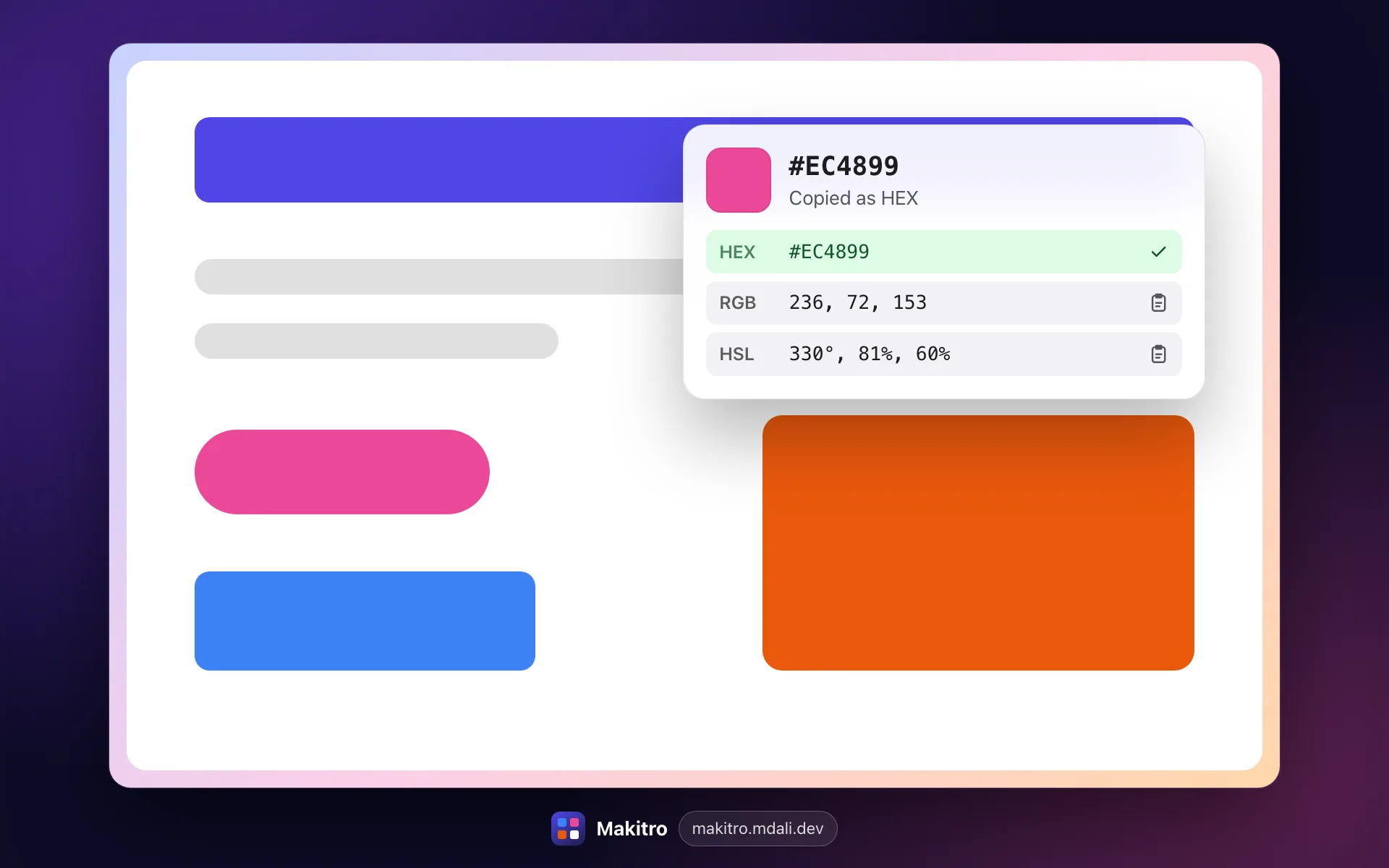
Makitro's Color Picker is one keystroke: press ⌃⌘C, move the magnifier over any pixel on any screen, and click. The code is copied in your format, HEX, RGB or HSL, and a small card shows the other two if you need them.
It uses the same macOS color sampler as the Colors window, so it needs no Screen Recording permission. A copied color is an ordinary copy, so it also lands in your clipboard history, if you keep one.