How to see your clipboard history on a Mac
Copied something an hour ago and copied over it since? What macOS keeps, where to find it, and how to keep more.
You copied a link this morning, copied three other things since, and now you need that link again. Whether you can get it back depends on your macOS version and on what's keeping a history for you.
See what's on the clipboard right now
The clipboard itself holds one item: the last thing you copied. To look at it:
- Click the desktop, or Finder in the Dock, so Finder is the front app.
- Choose Edit › Show Clipboard.
That's all macOS has kept on versions before macOS 26 Tahoe. Copy something new and the old item is gone.
macOS 26 Tahoe: clipboard history in Spotlight
Tahoe added a short clipboard history to Spotlight. It's off by default.
- Press ⌘Space to open Spotlight, then ⌘4 for the clipboard view.
- Turn it on when asked, or in System Settings › Spotlight. From macOS 26.1 you can choose how long items are kept: 30 minutes, 8 hours or 7 days.
- Pick an item to copy it again.
Apple's guide: Search your Clipboard history in Spotlight. It's handy for something you copied earlier today. It isn't meant for snippets you want to keep for weeks, and it isn't there on macOS 14 or 15.
A full clipboard history, on any Mac from macOS 14
A clipboard manager keeps what you copy until you delete it, lets you search it, and pastes an item straight into the app you're typing in. Choose one carefully: it sees your passwords, messages and code.
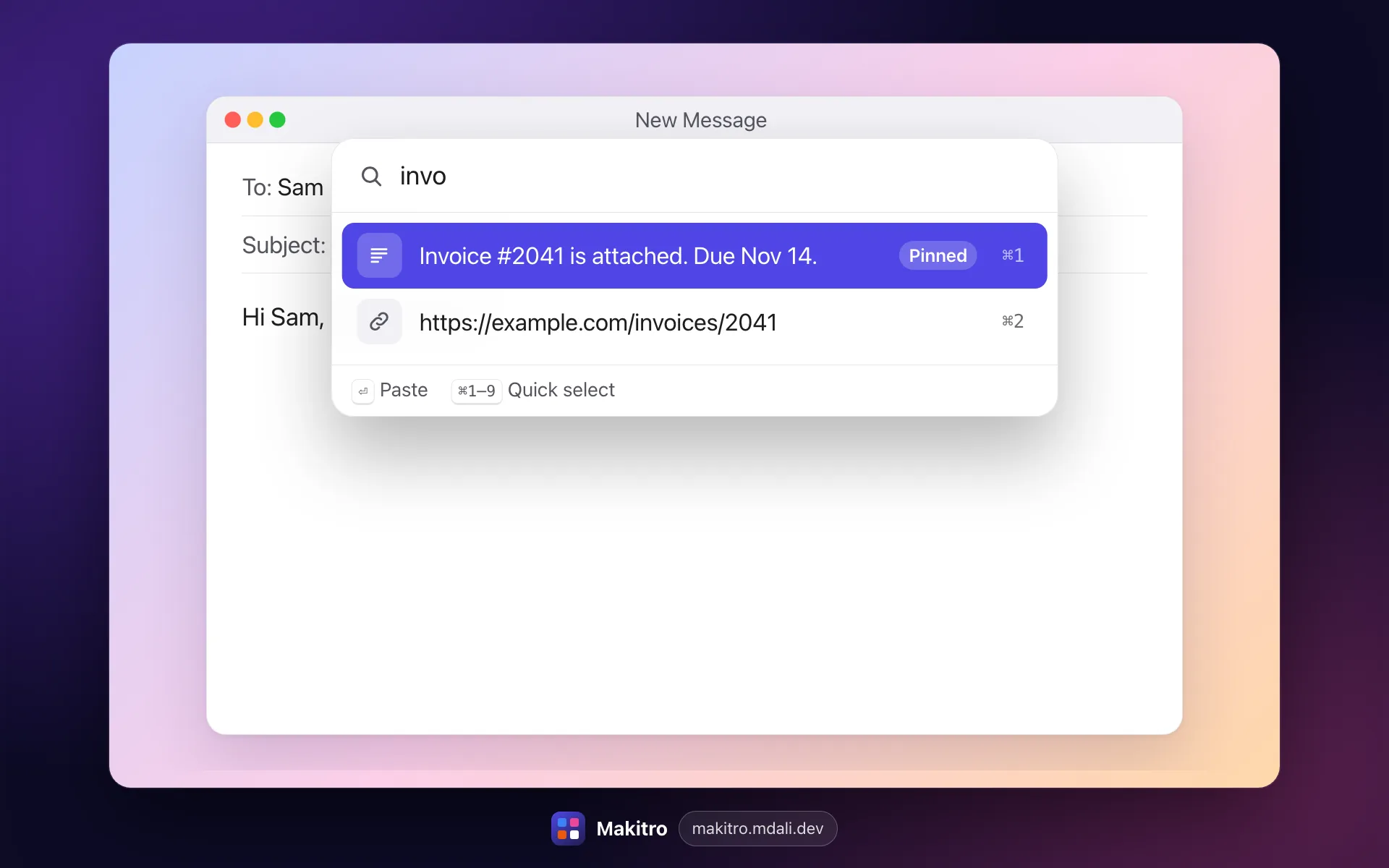
Makitro's Clipboard History keeps text, links and images, newest first. Press ⌃⌘V anywhere, type to search, and choose an item (or press ⌘1–⌘9) to paste it where you were typing.
- Keeps 100 items by default, up to 2,000. Pin the snippets you reuse.
- Skips copies from password managers before reading them.
- Stays on your Mac: no account, no sync, excluded from Time Machine.
- Keeps images too, so a screenshot you copy instead of saving is there later.